Save every screenshot.
Find it later.
Magpie is a fast, quiet inbox for everything you save — screenshots, links, recipes, and notes. Stash anything from any app in two taps, and find it again in seconds.
Free download • Instant save • No account required
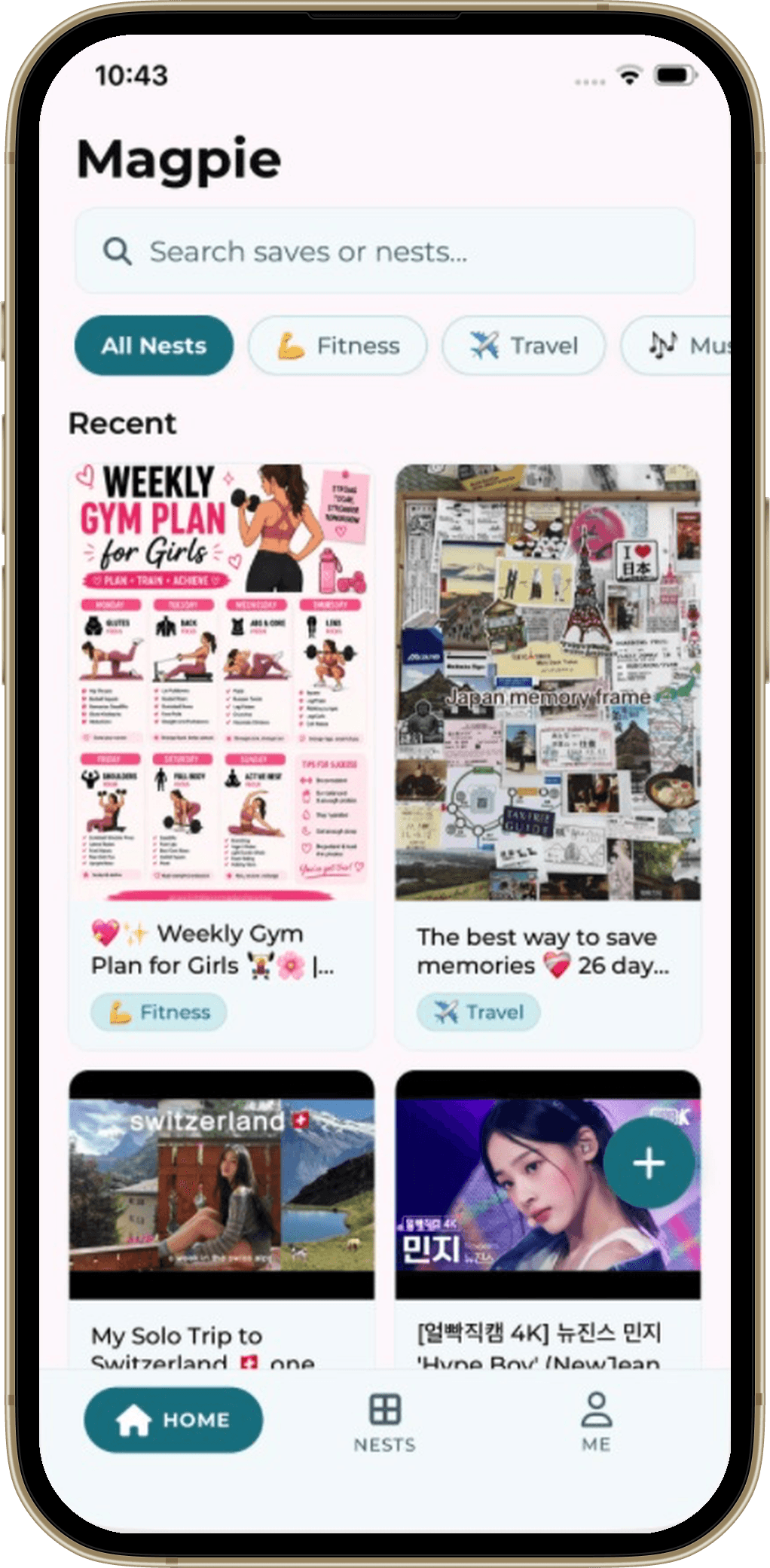
Your screenshots are a graveyard.
Let's fix that.
Two taps. Zero effort. Everything organized. Saving to Magpie is faster than letting screenshots rot in your photo library or disappear in 50 open browser tabs.
Tap Share
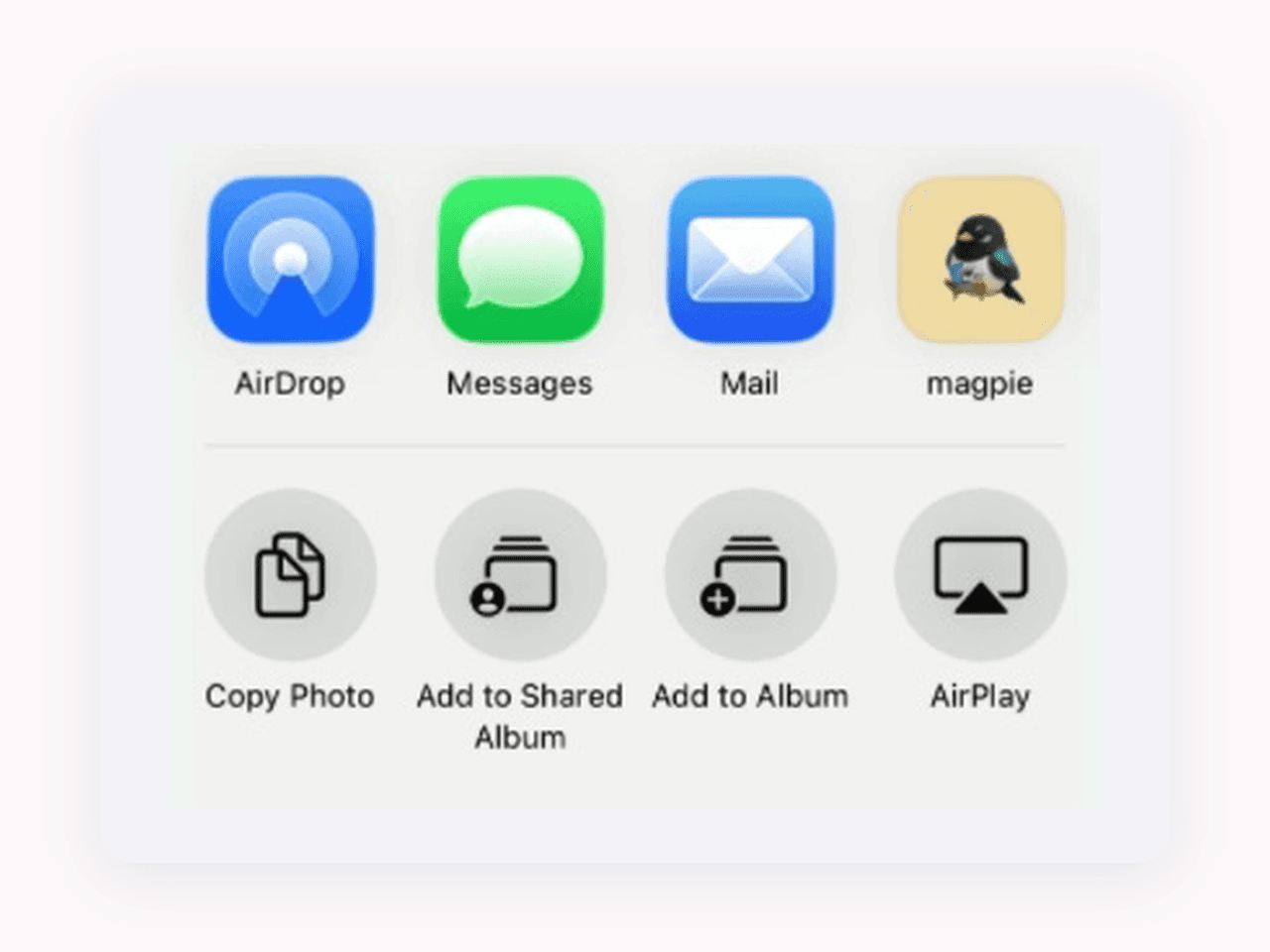
Scrolling Instagram, Reddit, or reading an article in Chrome? Just tap the system Share button and pick Magpie.
Pick a Nest
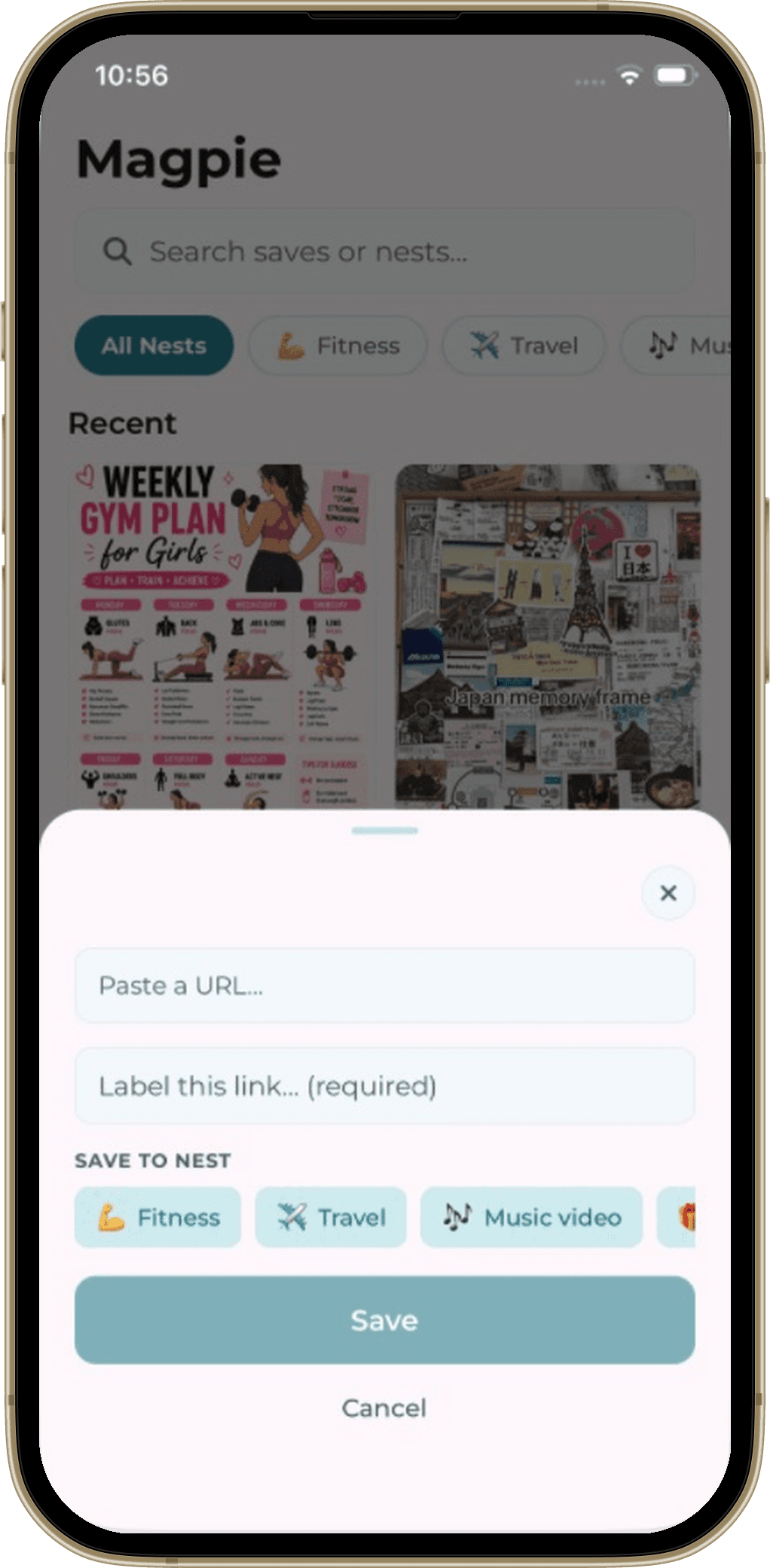
A sleek bottom sheet slides up instantly. Tap a Nest — like Travel, Recipes, Work, or Gifts — to group your save.
Find in seconds
Everything is indexed on-device with your custom tags and notes. Search anytime and surface the right save instantly.
Built for the way you actually save
Screenshots, links, notes — save them in a tap, give them a label, and find them again later.
Save From Any App
Share a screenshot, link, or note to Magpie from anywhere — Safari, Instagram, Photos, or Reddit.
Instant Nest Selector
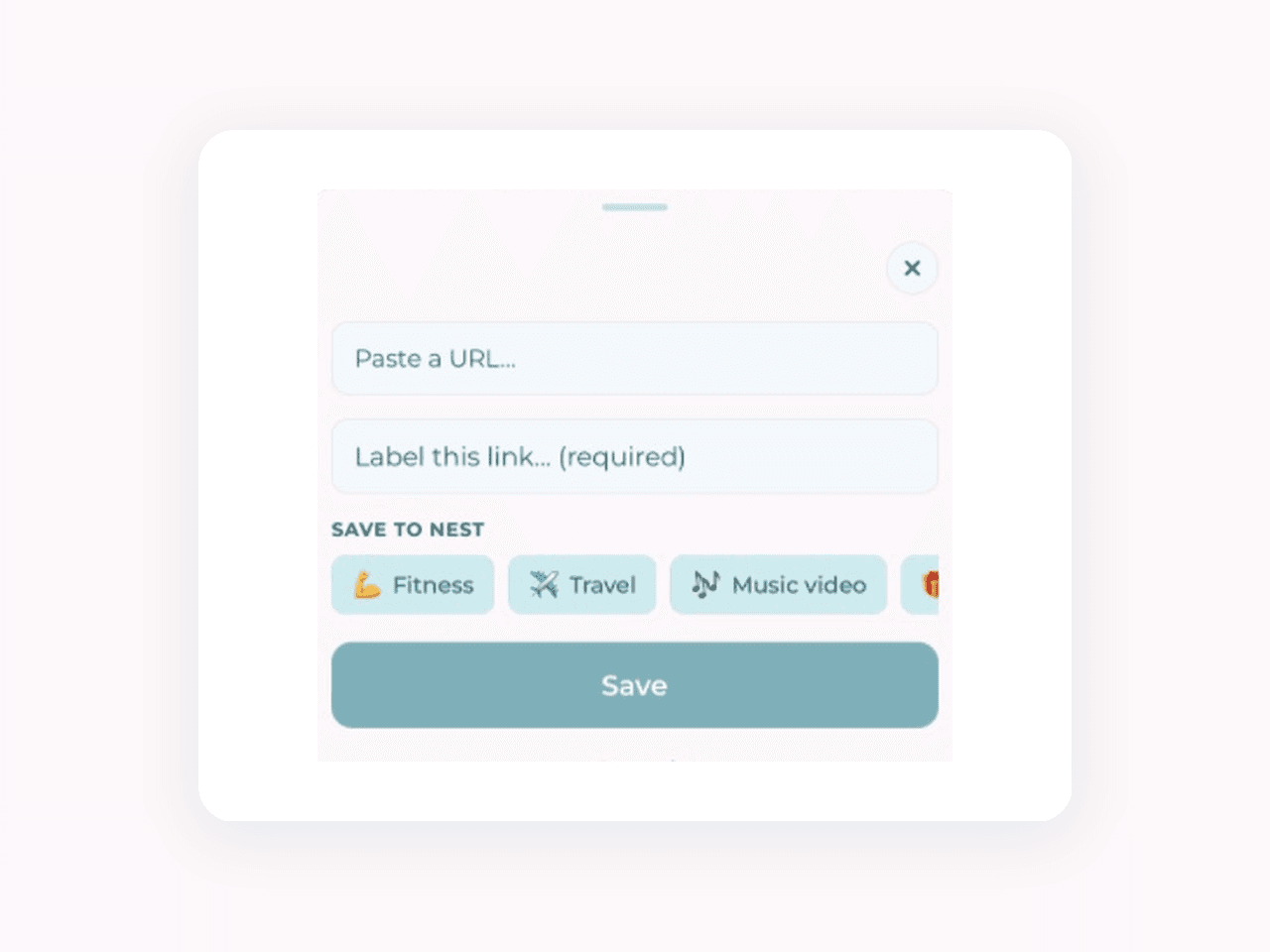
A sleek bottom sheet slides up instantly. Assign your save to a Nest with one effortless tap.
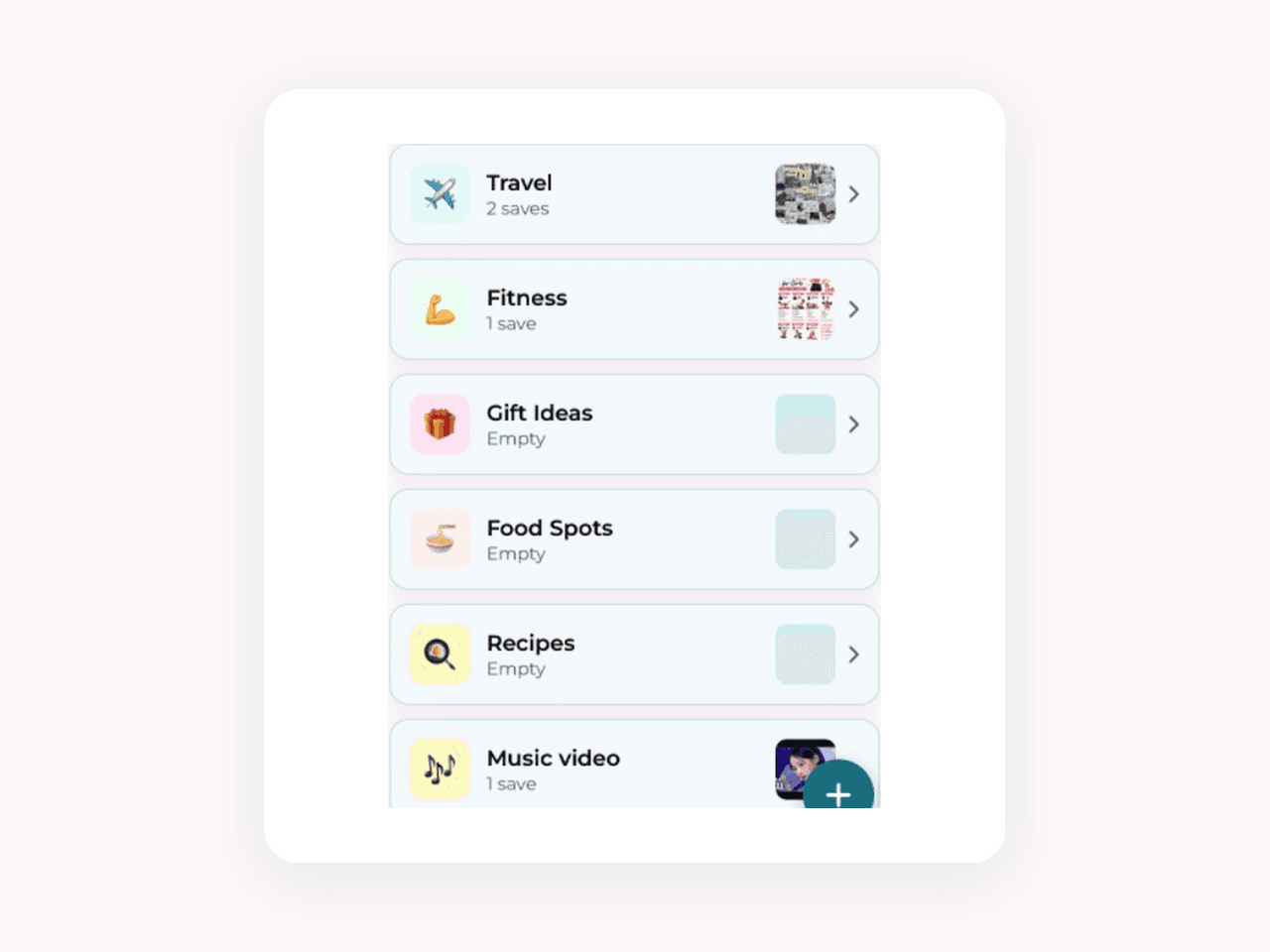
Nests Keep Things Tidy
Group saves by topic or project — Travel, Fitness, Gift Ideas, Recipes — keeping your camera roll clutter-free.
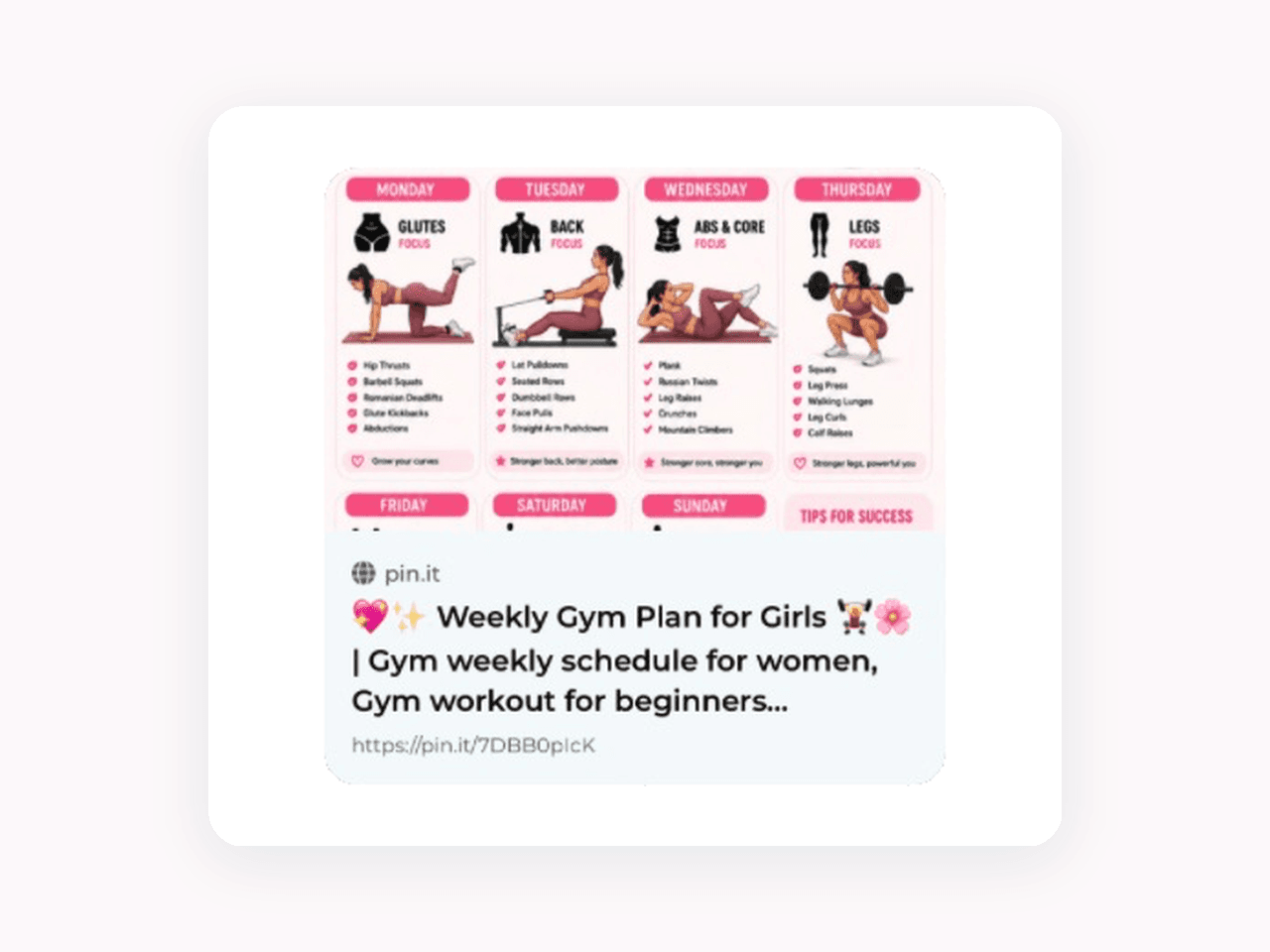
Rich Visual Previews
Every link and screenshot gets formatted with clean cover previews, readable snippets, and full URLs.
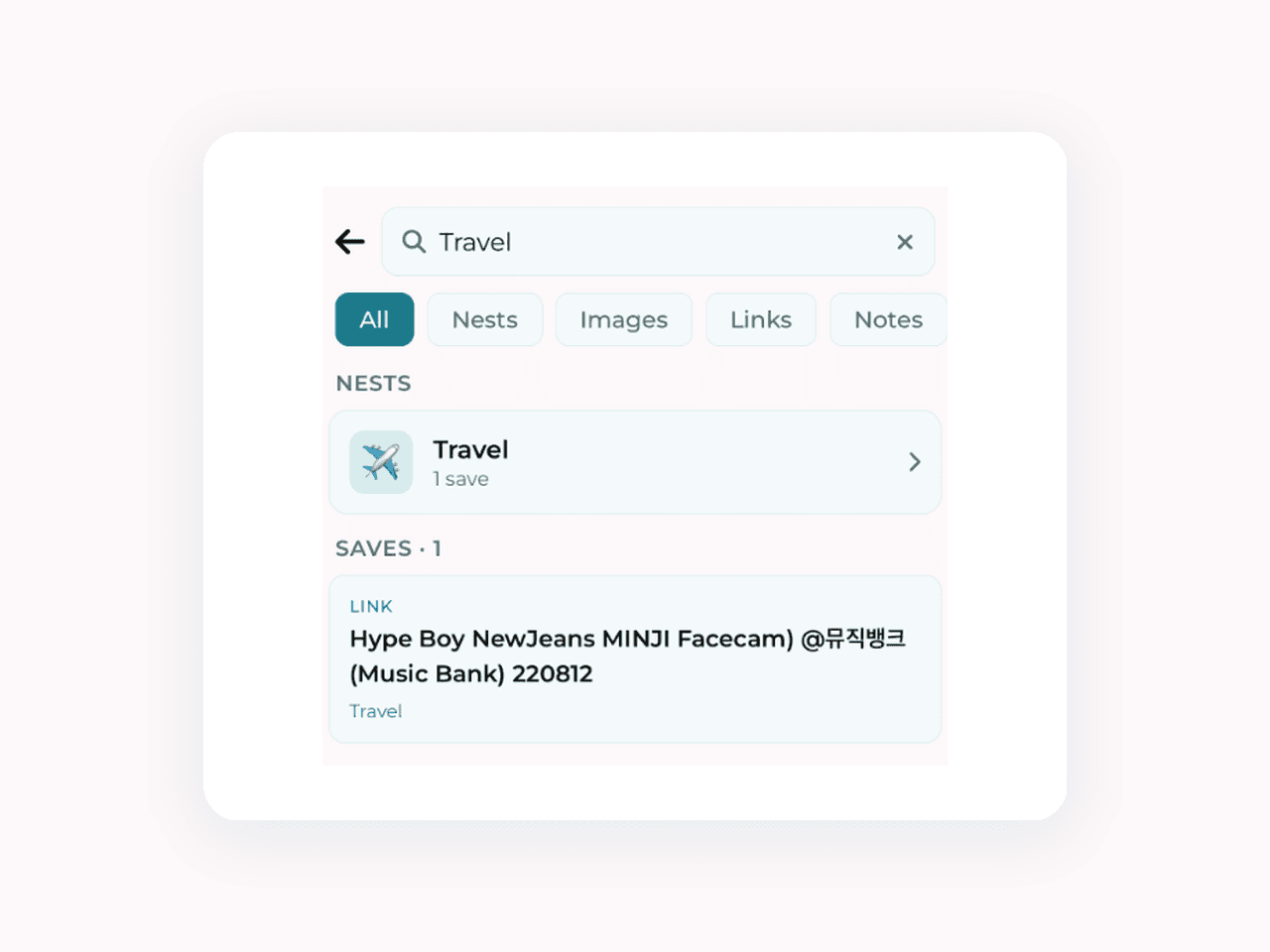
Instant Offline Search
Filter by type, search through titles and your personal notes in milliseconds — completely offline.

Calm Visual Feed
Browse all your saves in a clean, high-density two-column masonry feed with zero ads and zero clutter.
Why I built Magpie
I used to take dozens of screenshots every week: book recommendations on Twitter, restaurant menus, flight confirmations, design inspiration. But after taking them, they disappeared into my 8,000-photo camera roll, never to be seen again.
Bookmarking apps were too heavy, read-later apps were filled with clutter, and saving to photo albums was way too many taps while scrolling on the go.
I built Magpie to be the fastest, simplest 'stash box' possible: hit Share from any app, tap a Nest, and move on with your day. When you need it months later, a single search finds it instantly.

Jong
Creator of Magpie